

Gameplay Screenshots
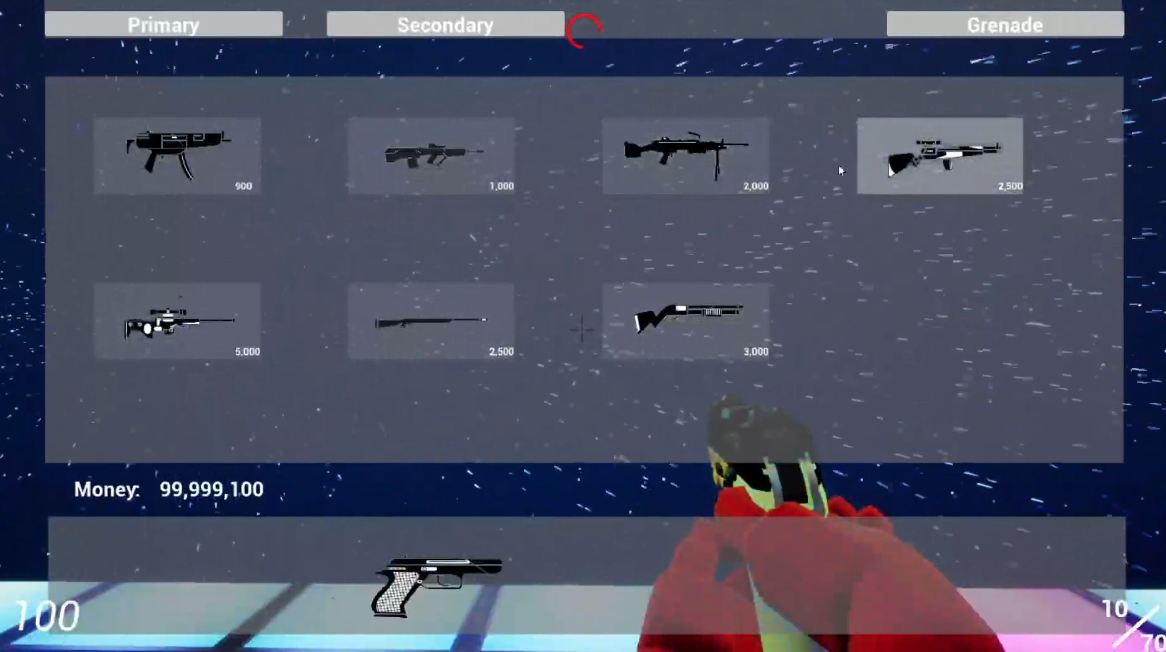
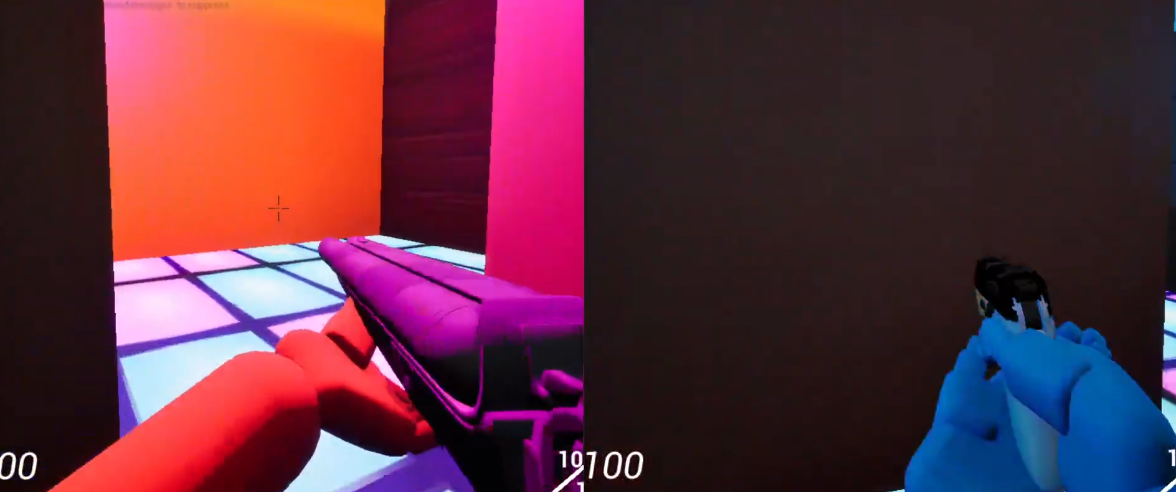
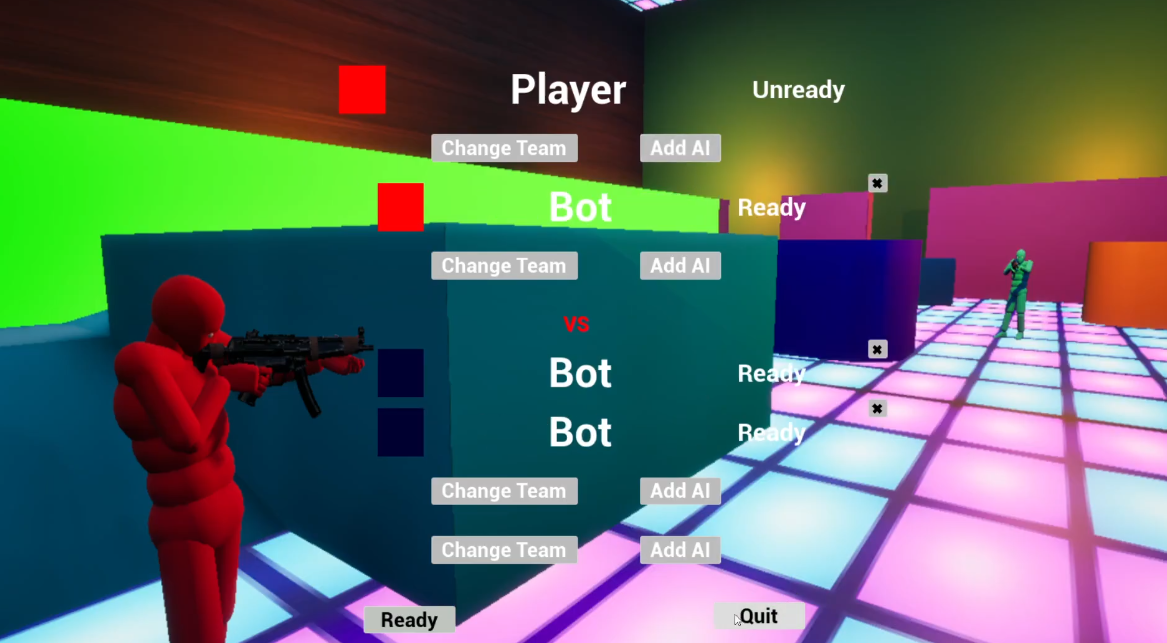
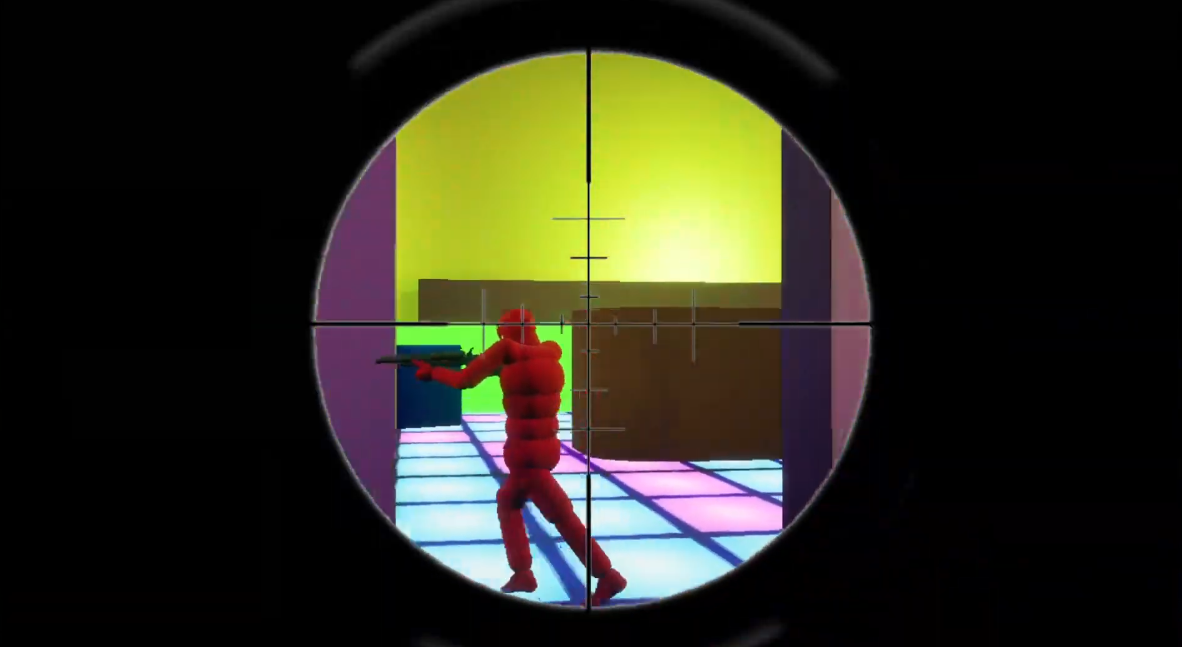
Showcase
Singleplayer Showcase
Multiplayer Showcase
Highlighting
1. Gameplay Ability System
The core logic of Gameplay Ability System was reference from Lyra project.
Gameplay Ability Binding
The core setup will require two struct.
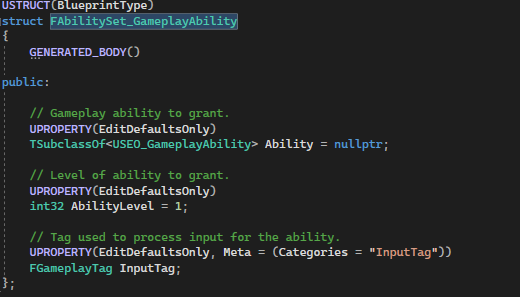
The first struct will be used to determine the ability granted to the Gameplay Ability System. Each weapon will grant or remove their ability when player swapping weapon. Same ability may contain different of ability level for different weapon as well.
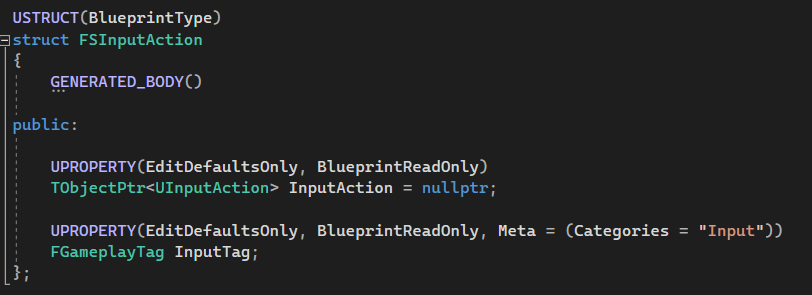
The second struct will be used to bind Gameplay Tag into input action.
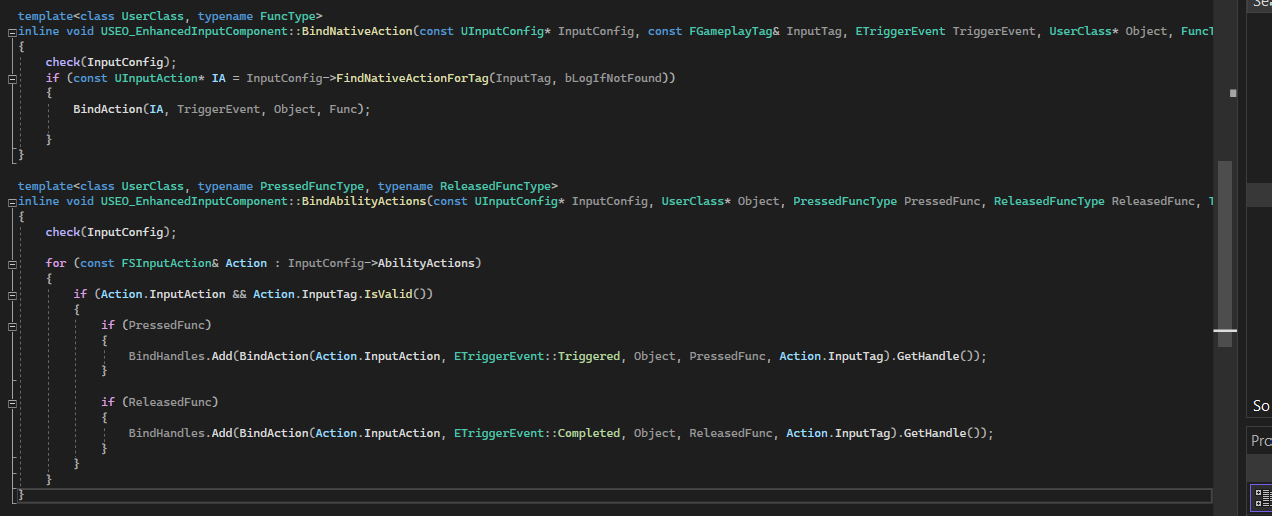
These two function will be the core function to bind the ability with Enhanced Input Component.
BindNativeAction will be used to bind the functionality that not belong to Gameplay Ability System such as Character and Camera Movement.
BindAbilityActions will be used to bind the functionality(Gameplay Ability) that will grant to Gameplay Ability System. More detail will be explained in the next two session.
Gameplay Ability Input
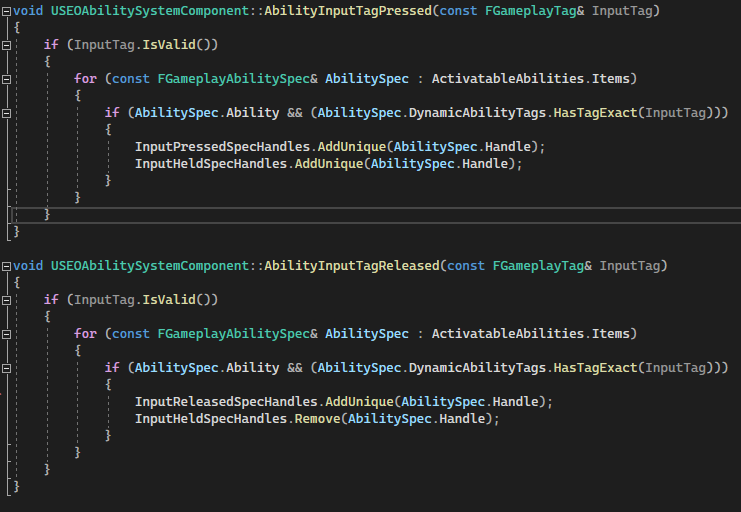
These two function will be bound to the input action by using BindAbilityActions function.
Whenever player press any input button that was bound with GameplayTag, AbilityInputTagPressed will search the granted ability, add it into InputPressedSpecHandle and InputHeldSpecHandle.
Whenever player release any input button that was bound with GameplayTag, AbilityInputTagReleased will search the granted ability, add it into InputReleasedSpecHandle and remove from InputHeldSpecHandle. AbilitySpecHandle will be removed from InputPressedSpecHandle during the gameplay ability execution as well.
Gameplay Ability Execute
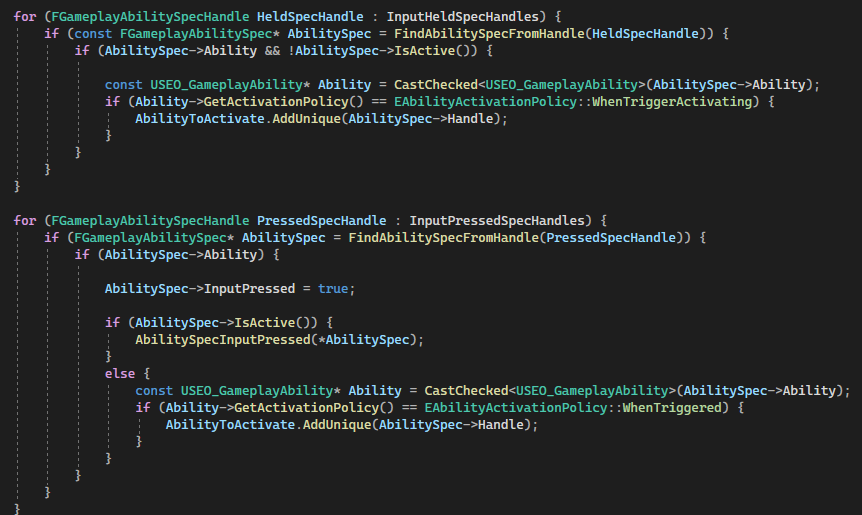
It is time to talk about the process of how the ability activate. The ability that held in InputPressedSpecHandle and InputHeldSpecHandle will being loop and added into the AbilityToActivate array.
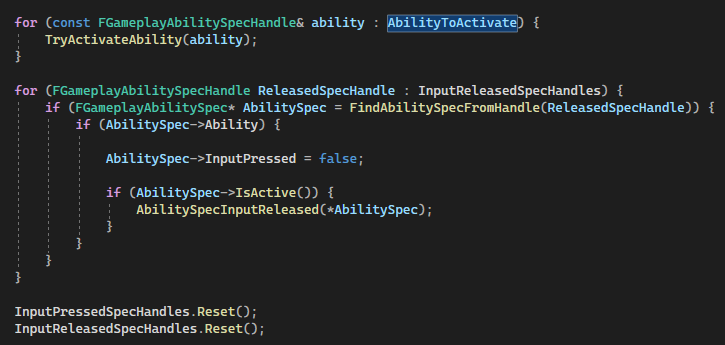
A forloop will be used to activate all the ability. InputReleasedSpecHandle will only be triggered after all the valid ability activate.
Gameplay Ability Base
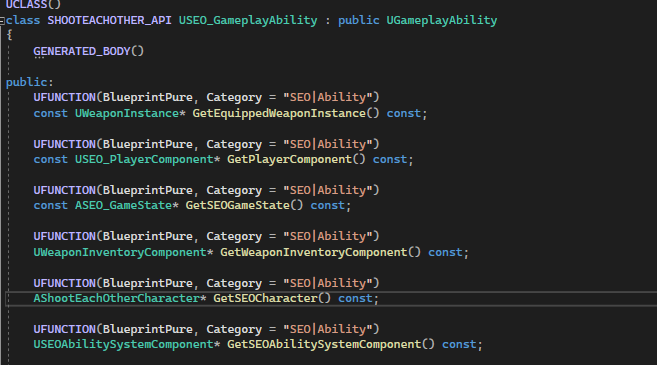
Gameplay Ability Base is the basic class of the Gameplay Ability. It contain the general function for derived ability classes to get the necessary reference.
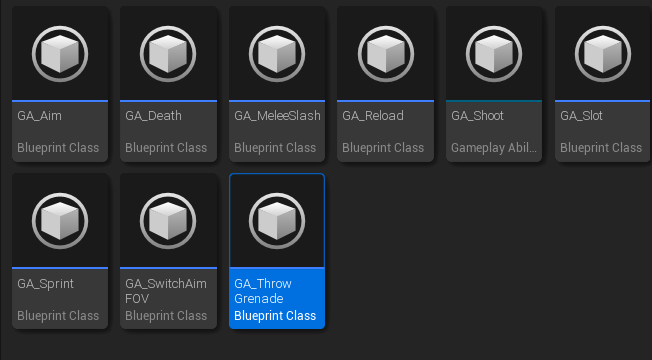
Here is a list of Gameplay Ability that I created and applied in this project. Critical gameplay functionality was done and replicated inside these Gameplay Ability as well. For more detail functionality, feel free to check the Github link.
2. Weapon
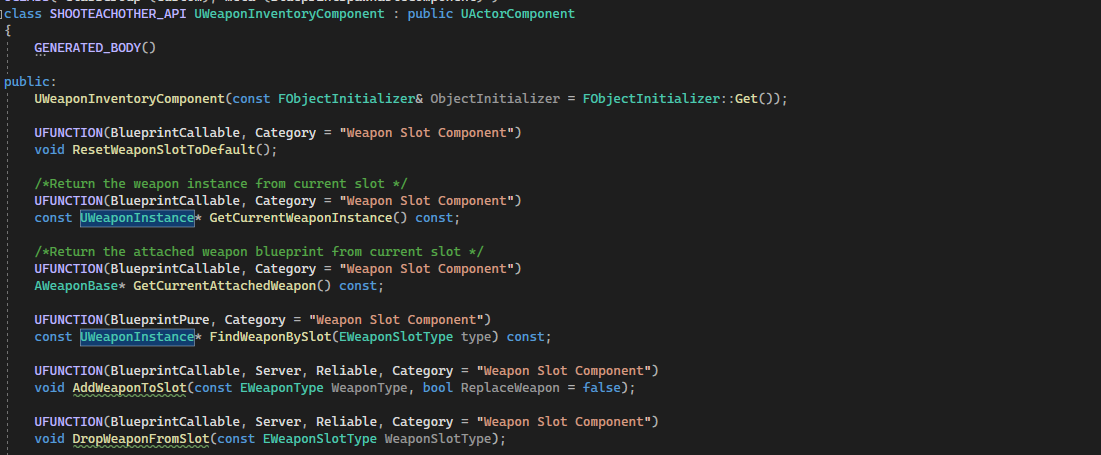
A WeaponInventoryComponent will be used to manage all the weapon related data. Each weapon will represent as an UObject called Weapon Instance. WeaponInventoryComponent will be responsible for switching between weapon as well.
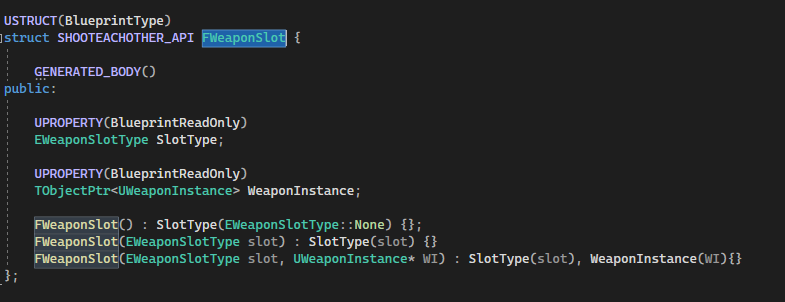
A struct that used to represent each weapon slot. There will be 4 weapon slots:
Slot 1 - Main Weapon
Slot 2 - Secondary Weapon
Slot 3 - Melee Weapon
Slot 4 - Throwable Weapon
Weapon Instance
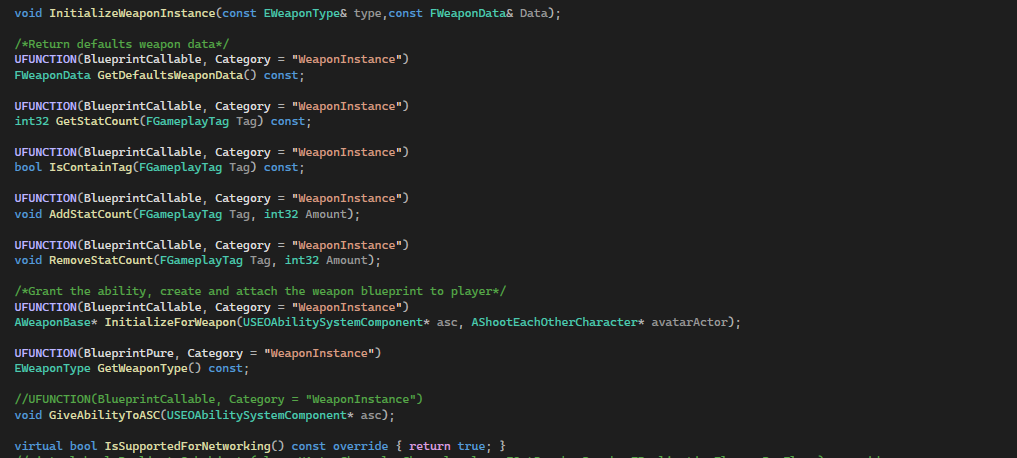
Weapon Instance is an UObject that used to store the weapon data, such as Max Ammo and Current Ammo. Ammo will store inside gameplay tag base container. Weapon Instance is also responsible to tell the Gameplay Ability system which weapon ability should granted.

In the weapon inventory, Weapon Instance will be replicated as well so each client can know the weapon data.
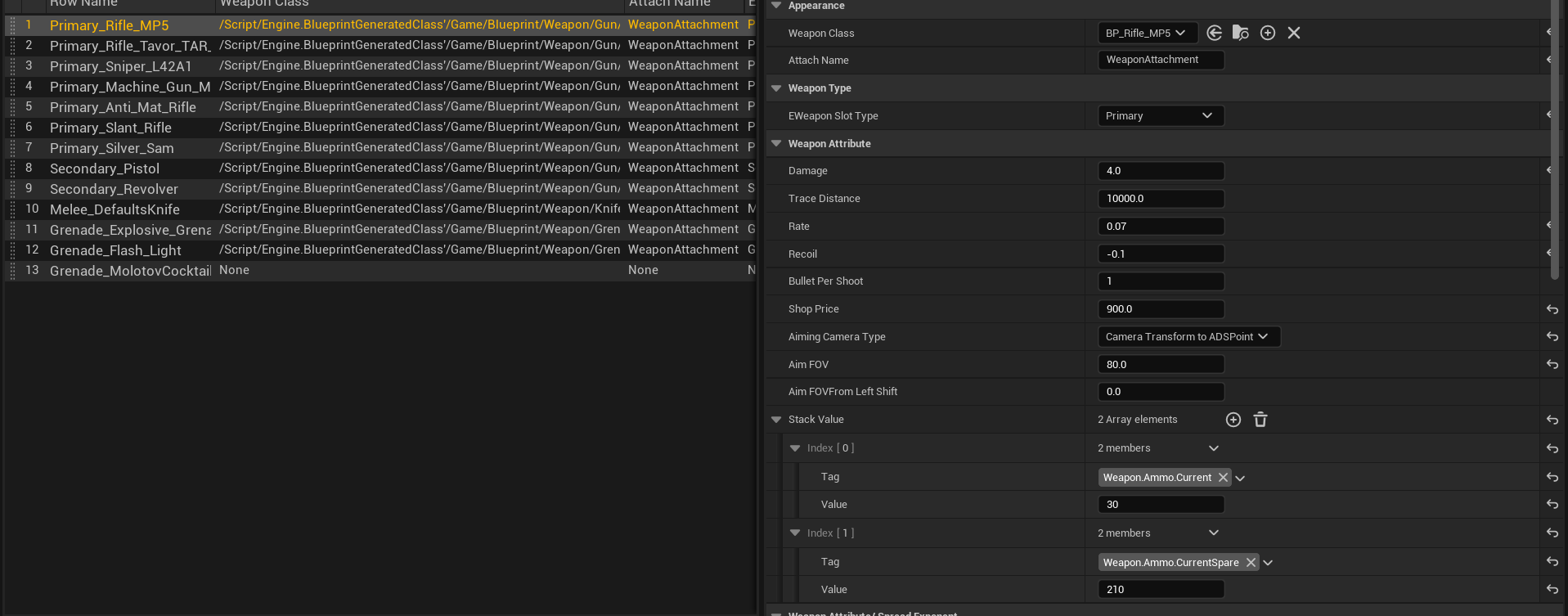
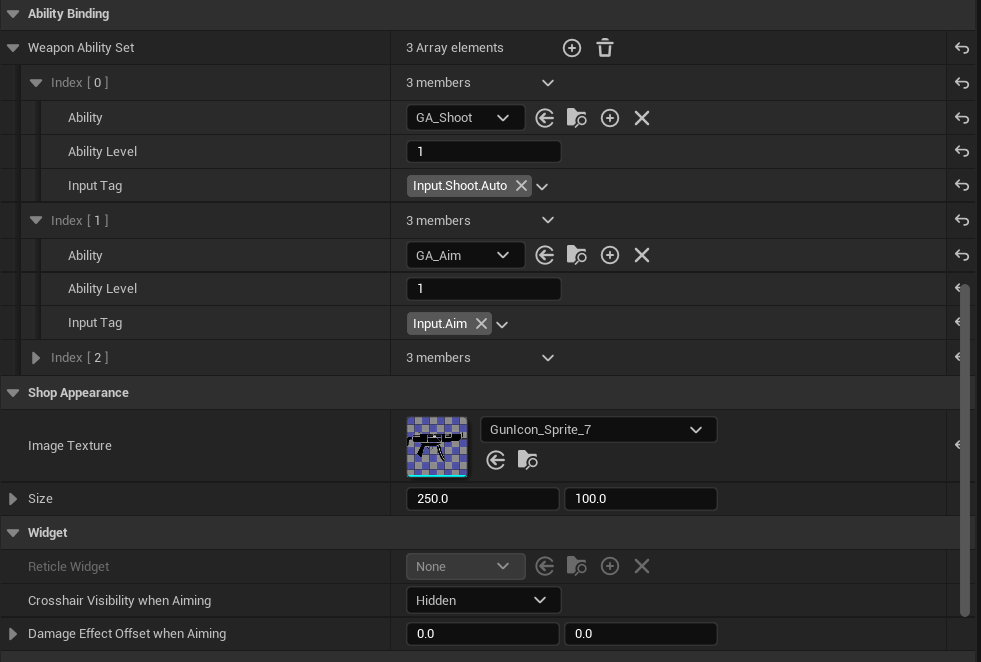
Here are the example of how the Interface will be look like over the data table.
3. Match Rule System
Now let talk about the match system and how it work.
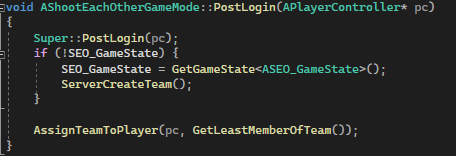
Whenever a new player joins the host, Game Mode will assigne them to one of the teams based on whichever team has fewer players. They are also allow to switch between team and add new AI to their team.
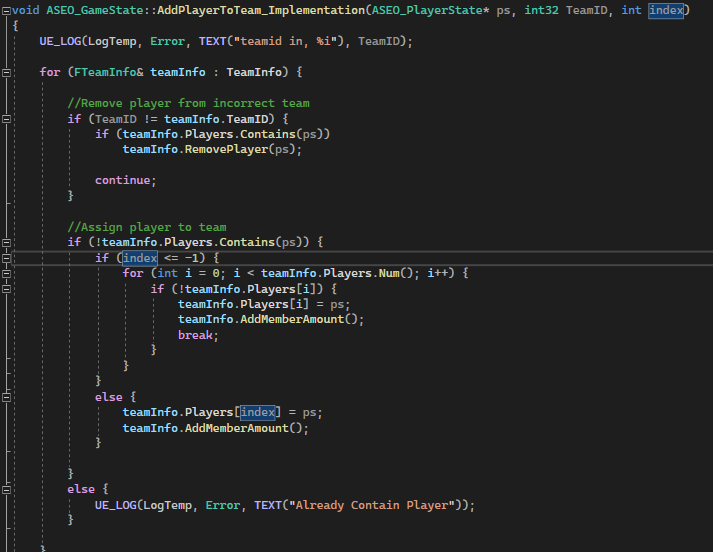
Game State will store all the team information and also responsible for the actual functionality of assign player into team.
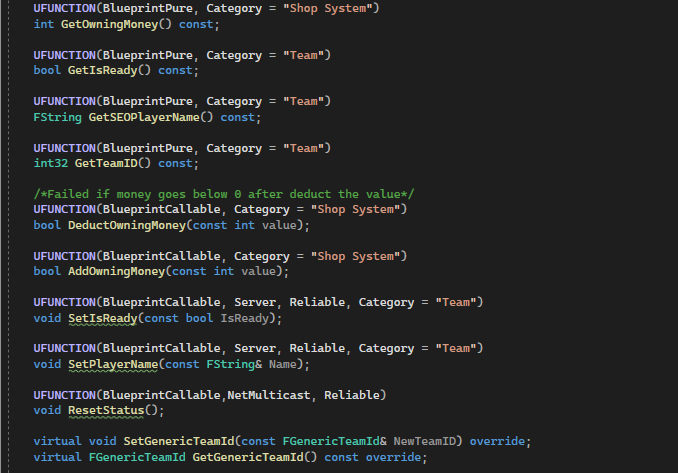
It is worth to mention the Player State as well since it also storing important data of the player such as player name, their current money and player ID.